In our previous article, we demonstrated how Techson LPR cameras become reliable gatekeepers of access control. But what happens beyond the barrier? What if the question is not only whether a car is allowed in, but also where it parks? In this article, we show how, using the metadata of Techson cameras and Node-RED, you can build a low-cost yet professional parking monitoring system – with 2 or even 5-zone supervision! If you're interested in the solution, read on!
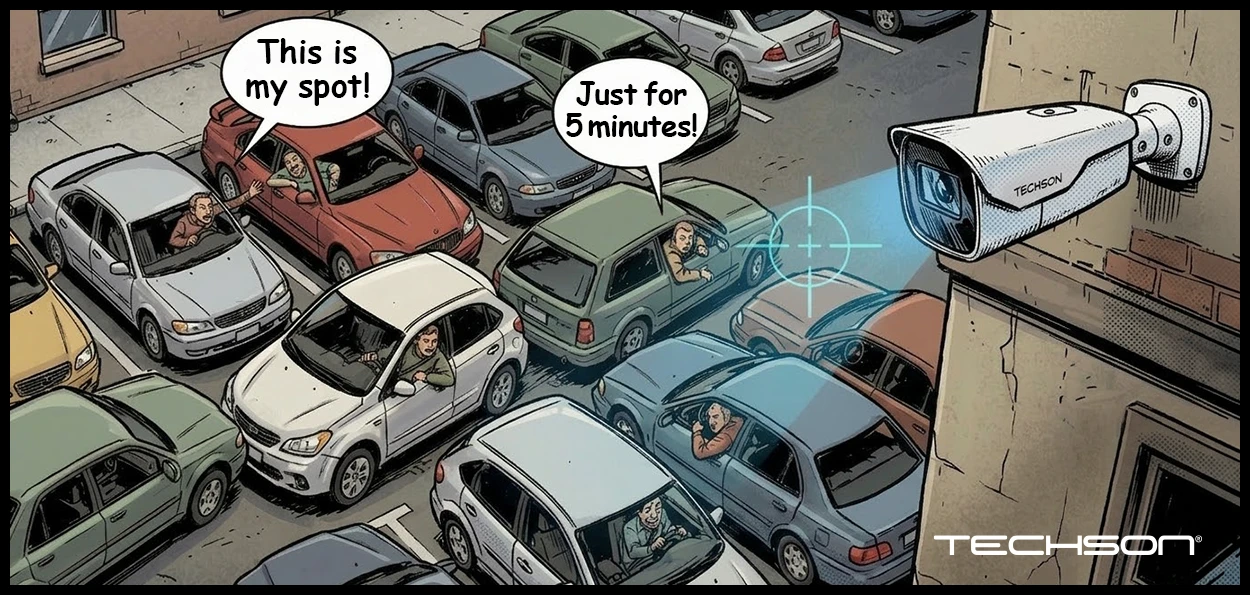
Let’s imagine the situation: The Techson LPR camera (our loyal Gatekeeper) does its job perfectly. It recognizes the license plate, the Wiegand output clicks, and the barrier opens.
But in the company parking lot, there is anarchy:
Our Gatekeeper is helpless here… or is it?
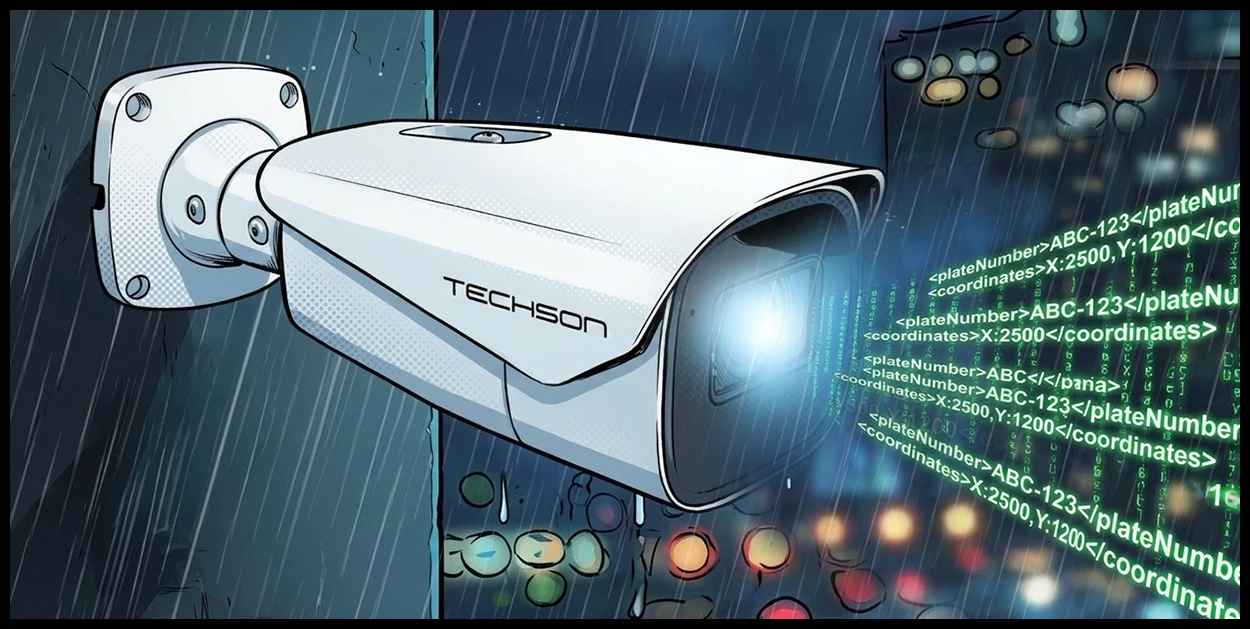
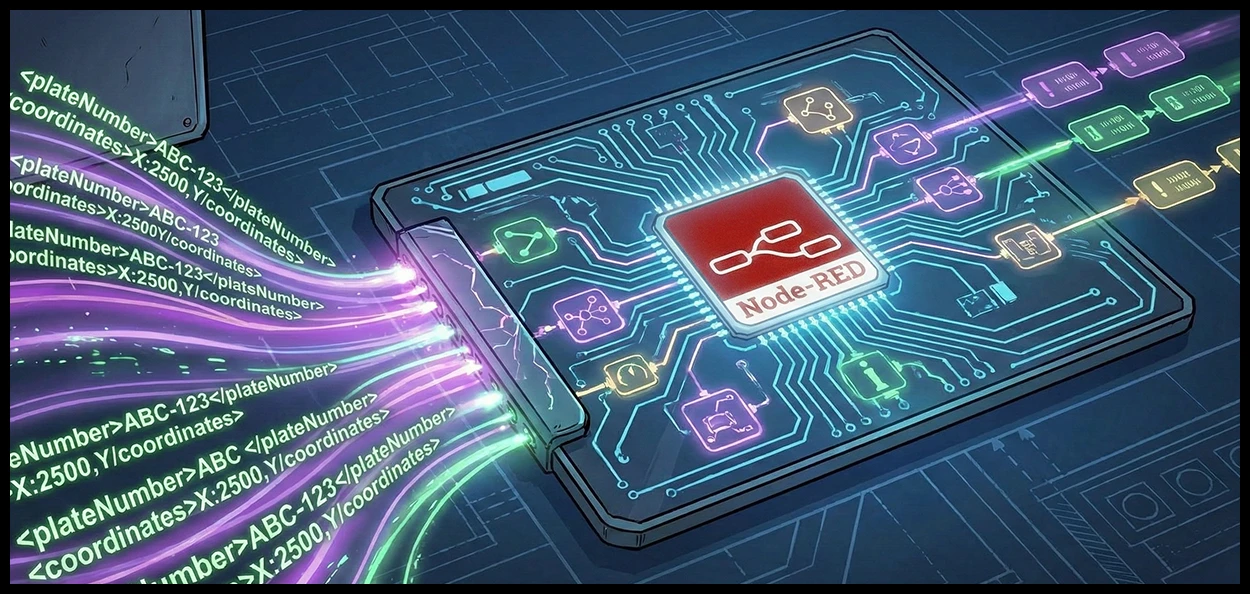
The Solution: “Give eyes to the brain!” (Node-RED / API integration) Techson cameras can do more than just send an “Open/Close” signal – they also provide a wealth of valuable data: where the car is in the image, its size, and its license plate. If we capture this dataset (since the camera sends this information via HTTP POST messages), we can work magic!
A) The “Two Halves” Method (2-Zone Monitoring):
This is the classic “Employees on the left, Clients on the right” setup.
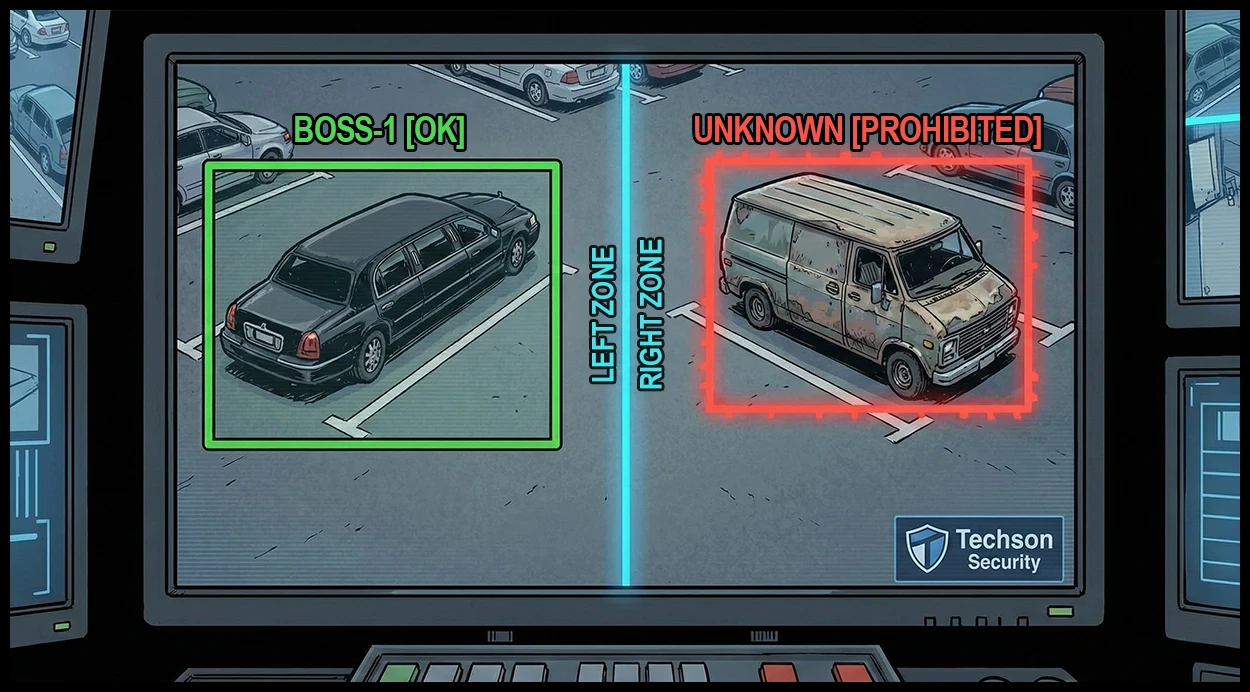
How does it work? We split the camera image into two parts with a virtual (blue) line.
The trick: The system not only reads the license plate, but also determines—based on coordinates—whether the center of the car falls to the left or right of the line.
Result: If the executive car with license plate AAA-123 accidentally ends up on the right side, the system immediately flags the error with a red bubble on the Dashboard.
B) The “Dedicated Spaces” Method (5-Zone Monitoring).
This is precision at a surgical level. Here, we monitor not sides, but specific parking spaces.
Setup: a felületen 4 sárga vonallal 5 precíz zónára osztjuk a képet.
Logic: Each zone can be assigned one (or more) license plates.
The “magic”: If a guest parks in the director’s spot (zone 1), the system immediately detects that the license plate does not match the assigned list. The “bubble” on the screen turns red: “Unauthorized parking in spot 1!”
No expensive software needed: The Techson camera provides the data, and Node-RED (which is free) does the processing.
Flexible: With sliders, zone boundaries can be adjusted on-site in one minute—no need to climb ladders or reposition the camera.
Scalable: Truck or Smart car? It doesn’t matter. The system uses camera coordinates, so the “virtual frame” always accurately follows the vehicle.
Summary: With this solution, the Techson LPR camera is no longer just a “gate opener.” It becomes the foundation of an intelligent parking management system that sees and understands what is happening in the parking lot in real time.